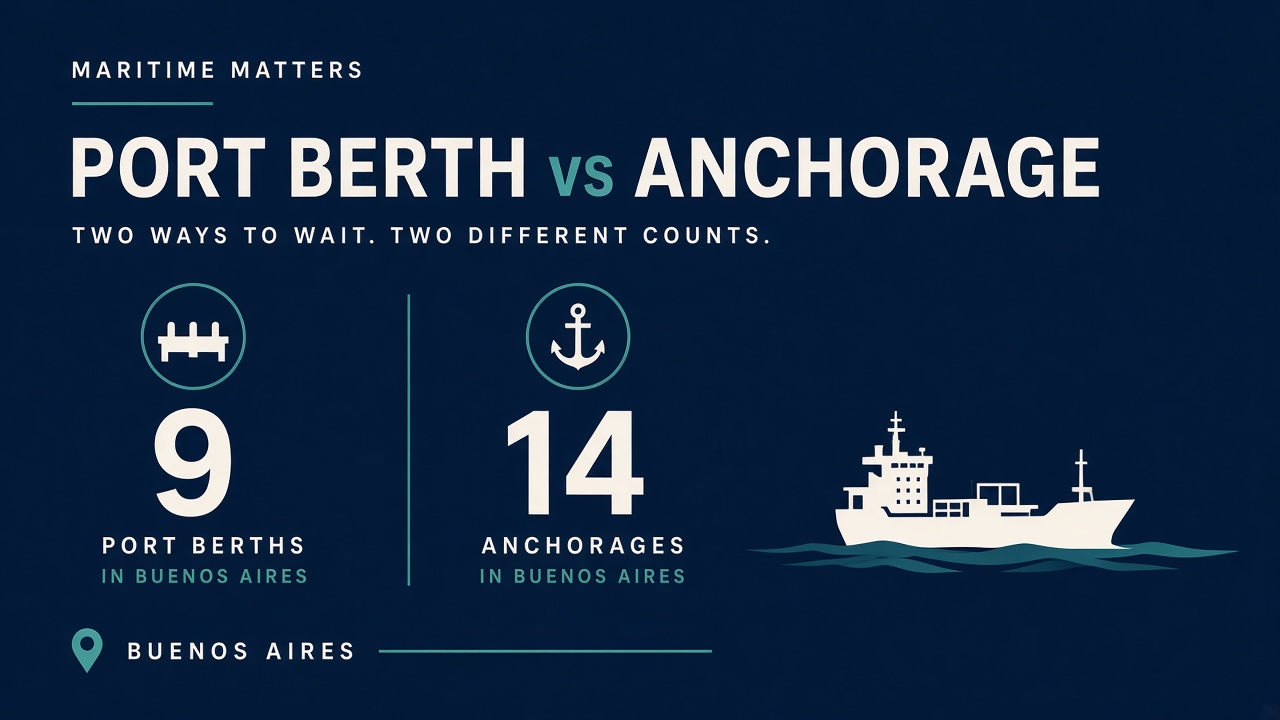
A port congestion API returns how many ships sit at berth vs anchorage and how long they waited. On Vessels API that is GET https://vessels-api.com/api/V1/ports/congestion with header X-API-Key. Official docs sample: port_id=84 (Buenos Aires), period=7d.
Starter is $19.99/mo (2,500 calls) with a 7-day trial. This is not /vessel/live-position (Professional+ AIS quota). Envelope is always {status,success,message,data}. Docs: vessels-api.com/docs.
Request: Buenos Aires, 7 days
curl -H "X-API-Key: YOUR_API_KEY" \
  "https://vessels-api.com/api/V1/ports/congestion?port_id=84&period=7d"
Resolve port_id from GET /api/V1/ports first.
Response: official congestion sample
{
  "status": 200,
  "success": true,
  "message": "OK",
  "data": {
    "port_id": "84",
    "port_name": "Buenos Aires",
    "period": "7d",
    "snapshot": {
      "timestamp_utc": "2026-02-09T10:30:00Z",
      "vessels_in_anchorage": 14,
      "vessels_at_berth": 9
    },
    "statistics": {
      "avg_wait_time_hours_last_7d": 22.5,
      "max_wait_time_hours_last_7d": 64.0,
      "avg_berth_time_hours_last_7d": 22.5,
      "port_calls_count": 135
    },
    "example_vessels": [{
      "mmsi": "258785000",
      "name": "ZJ ATLANTIC",
      "status": "berth",
      "wait_time_hours": 22.5
    }]
  }
}
MCP: mcp.vessels-api.com.
Go live
1. Register — 7-day trial.
2. Copy X-API-Key.
3. GET /ports then /ports/congestion.
4. Chart avg_wait_time_hours_last_7d.